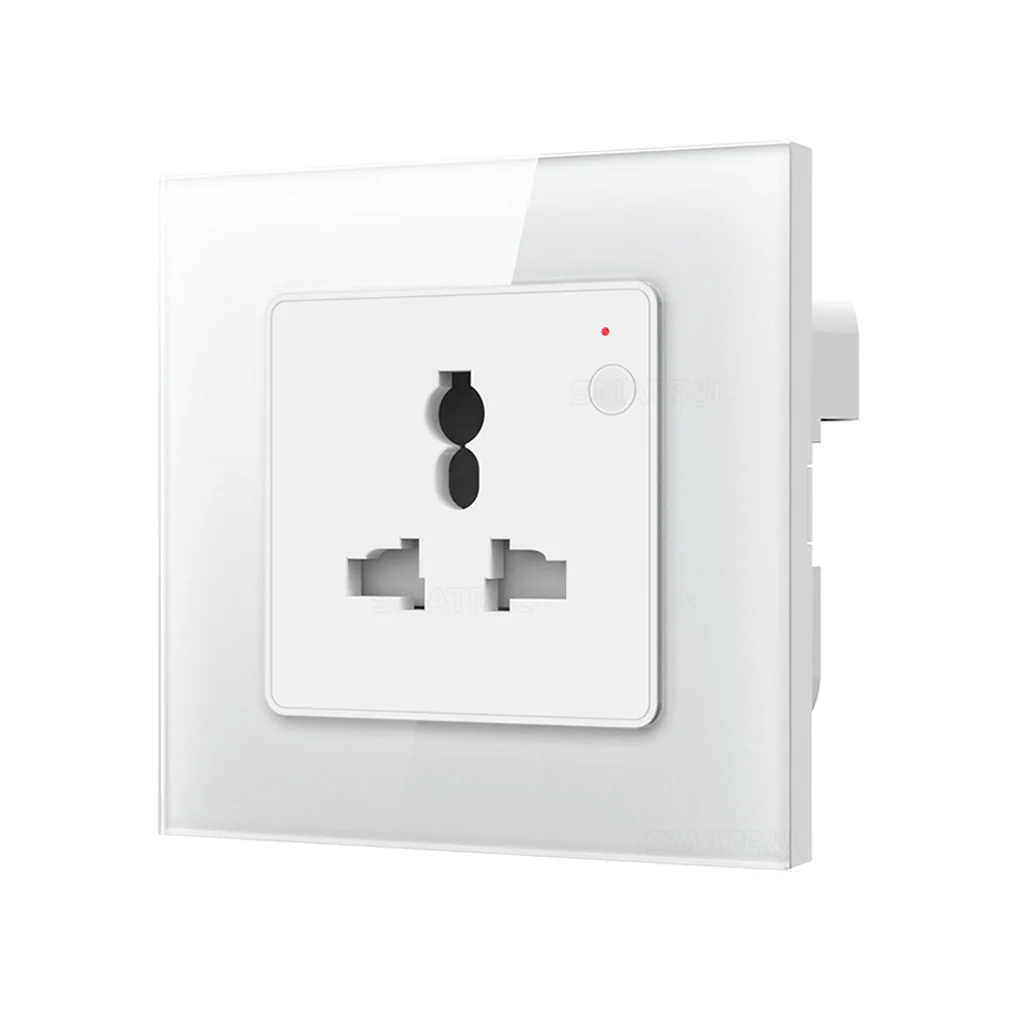
TECPHILE - SYS-ES01 Universal Smart Wall Socket
TECPHILE SWITCH FOR YOUR SMART HOME: Make your home smart with a Smart Wi-Fi socket. The Smart WiFi Socket is super easy to use. Just plug it in, and you can control your gadgets with your phone. Upgrade your home and control your appliances more easily.
EASY CONTROL, ANYWHERE, ANYTIME:
Smart Life App: Effortlessly control your devices from your smartphone with the user-friendly Smart Life app.
Voice Commands: Speak to Amazon Alexa or Google Home to operate your devices hands-free, making life more convenient.
SMART SCHEDULE MANAGEMENT: The TECPHILE smart switch ensures user-friendly operation and control. Utilize the Smart Life App to schedule tasks and manage your appliances remotely.
UNIVERSAL PLUG TYPE SMART SWITCH SOCKET: Wifi Smart Switch innovative device accommodates both USA and EU/Indian plug types, ensuring compatibility with a wide range of electronic devices. Embrace the convenience of universal compatibility and advanced control features with Universal Plug Type Smart Switch Socket – the epitome of modern home automation.
MONITOR ENERGY CONSUMPTION: with the Smart Life App, you can check how much power each of your devices connected to the smart plug is using. It's like having a friendly app to help you understand and save energy in a smart and easy way.
DYNAMIC POWER CONTROL: It can handle heavy-duty devices up to 3500 Watts (16A), making it super versatile. Stay connected effortlessly with its strong WiFi connection. Managing your appliances has never been so simple and personalized.
Set-up Process:
Step 1. Download the "Smart Life" app and register your account.
Step 2. Connect your phone or tablet to a WiFi network.
Step 3. Connect the L and N wires to the input terminals (Ensure electricity is cut off during installation).
Step 4. Open the Smart Life app and tap "+" in the top right corner, click on “Add Device”.
Step 5. Click on Electrical section, select "Socket (WiFi)."
Step 6. If needed, reset the switch (press and hold button until it rapidly blinks), then click "Confirm indicator rapidly blinks."
Step 7. Input your WiFi password and click "Confirm."
Step 8. Successfully your device has connected.
Original: $2,190.00
-65%$2,190.00
$766.50Product Information
Product Information
Shipping & Returns
Shipping & Returns
Description
TECPHILE SWITCH FOR YOUR SMART HOME: Make your home smart with a Smart Wi-Fi socket. The Smart WiFi Socket is super easy to use. Just plug it in, and you can control your gadgets with your phone. Upgrade your home and control your appliances more easily.
EASY CONTROL, ANYWHERE, ANYTIME:
Smart Life App: Effortlessly control your devices from your smartphone with the user-friendly Smart Life app.
Voice Commands: Speak to Amazon Alexa or Google Home to operate your devices hands-free, making life more convenient.
SMART SCHEDULE MANAGEMENT: The TECPHILE smart switch ensures user-friendly operation and control. Utilize the Smart Life App to schedule tasks and manage your appliances remotely.
UNIVERSAL PLUG TYPE SMART SWITCH SOCKET: Wifi Smart Switch innovative device accommodates both USA and EU/Indian plug types, ensuring compatibility with a wide range of electronic devices. Embrace the convenience of universal compatibility and advanced control features with Universal Plug Type Smart Switch Socket – the epitome of modern home automation.
MONITOR ENERGY CONSUMPTION: with the Smart Life App, you can check how much power each of your devices connected to the smart plug is using. It's like having a friendly app to help you understand and save energy in a smart and easy way.
DYNAMIC POWER CONTROL: It can handle heavy-duty devices up to 3500 Watts (16A), making it super versatile. Stay connected effortlessly with its strong WiFi connection. Managing your appliances has never been so simple and personalized.
Set-up Process:
Step 1. Download the "Smart Life" app and register your account.
Step 2. Connect your phone or tablet to a WiFi network.
Step 3. Connect the L and N wires to the input terminals (Ensure electricity is cut off during installation).
Step 4. Open the Smart Life app and tap "+" in the top right corner, click on “Add Device”.
Step 5. Click on Electrical section, select "Socket (WiFi)."
Step 6. If needed, reset the switch (press and hold button until it rapidly blinks), then click "Confirm indicator rapidly blinks."
Step 7. Input your WiFi password and click "Confirm."
Step 8. Successfully your device has connected.